twopy
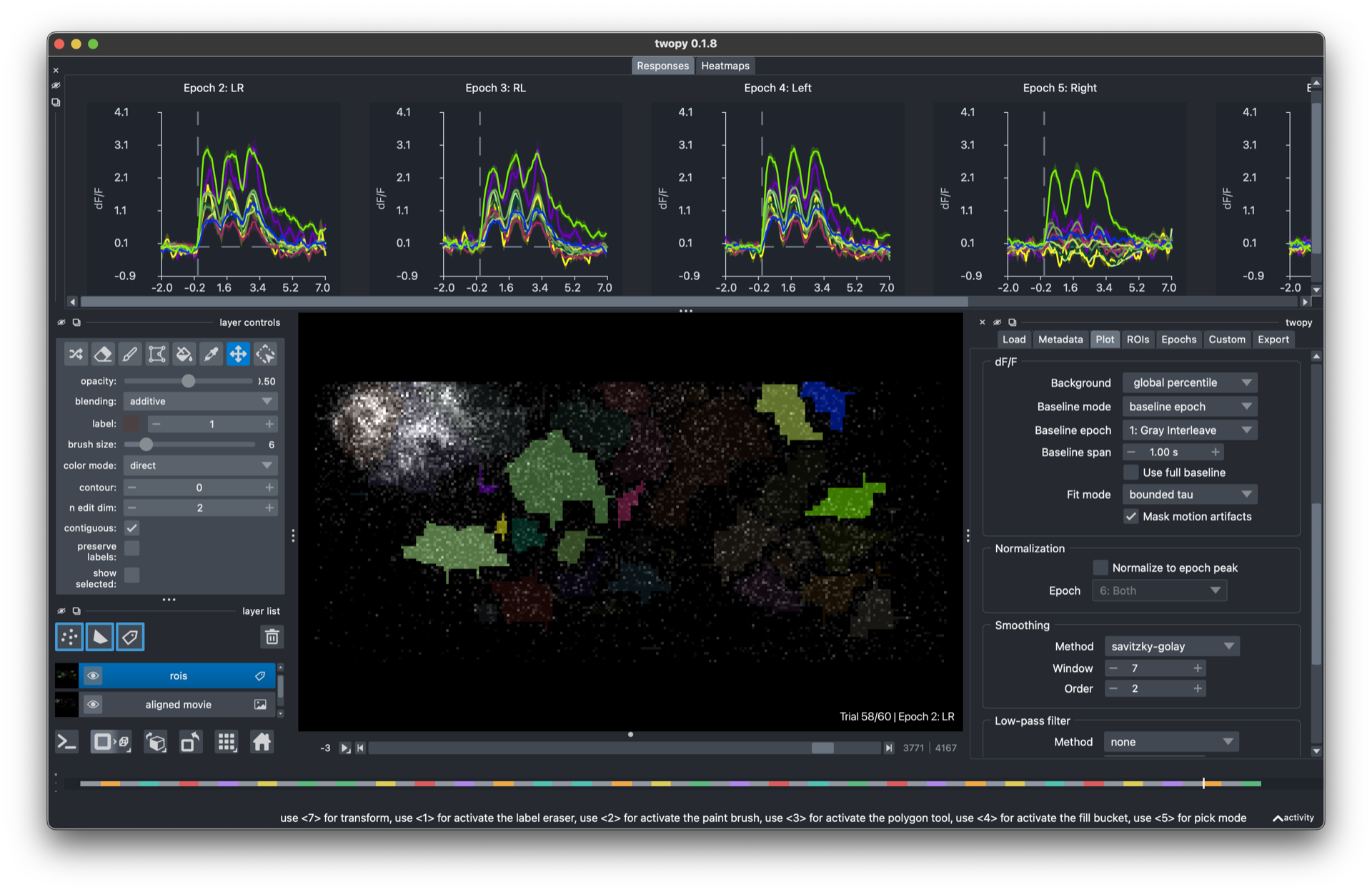
twopy is a two-photon imaging analysis tool for Clark Lab recordings. Open a recording, draw ROIs, watch responses update live, and save the results.
Pick your path
I want to click through recordings in the app. Start with Getting started, then the GUI guide.
I want to script analyses in Python. Start with Getting started, then the Python guide.
I want to add my own analysis to the app. Read Writing custom workflows.
What twopy does
twopy converts raw microscope recordings into a clean, twopy-owned HDF5 format the first time you open them. Everything after that — ROI editing, response plots, custom analyses, saved outputs — works from those converted files. The original microscope files stay untouched.
By default, twopy keeps converted recordings in the local ~/.cache/twopy/recordings cache. It copies converted HDF5 files and saved analysis outputs to analysis_output.
Use twopy
- Getting started
- GUI guide
- Python API guide
- A quick end-to-end script
- Find recordings
- Convert a recording
- Load a converted recording
- Make ROIs
- Extract traces and dF/F
- Timing comes from the photodiode
- Save analysis outputs
- Run a custom workflow from Python
- Movie-level response heatmaps
- Random-noise temporal kernels
- Manual FOV and ROI match tables
- Open napari from Python
- psycho5 parity helpers
Extend twopy